If you’ve been reading my blog for a while, you already know I’m a big fan of Webflow , in fact I use it for my personal site (linked at the end of every post, in case you’ve missed it). But today we’re changing things up! We’re diving into WordPress: how it works, what makes it different, and how it stacks up against Webflow. By the end, we’ll see which platform truly deserves the title of ultimate CMS website-building tool.
WordPress: Creating My Award Winning Site
To kick things off, after signing up and opening WordPress, I was greeted with a wide selection of free templates to choose from. Instead of using a preset design, I decided to start from scratch and build everything myself to get a better understanding of the basics.
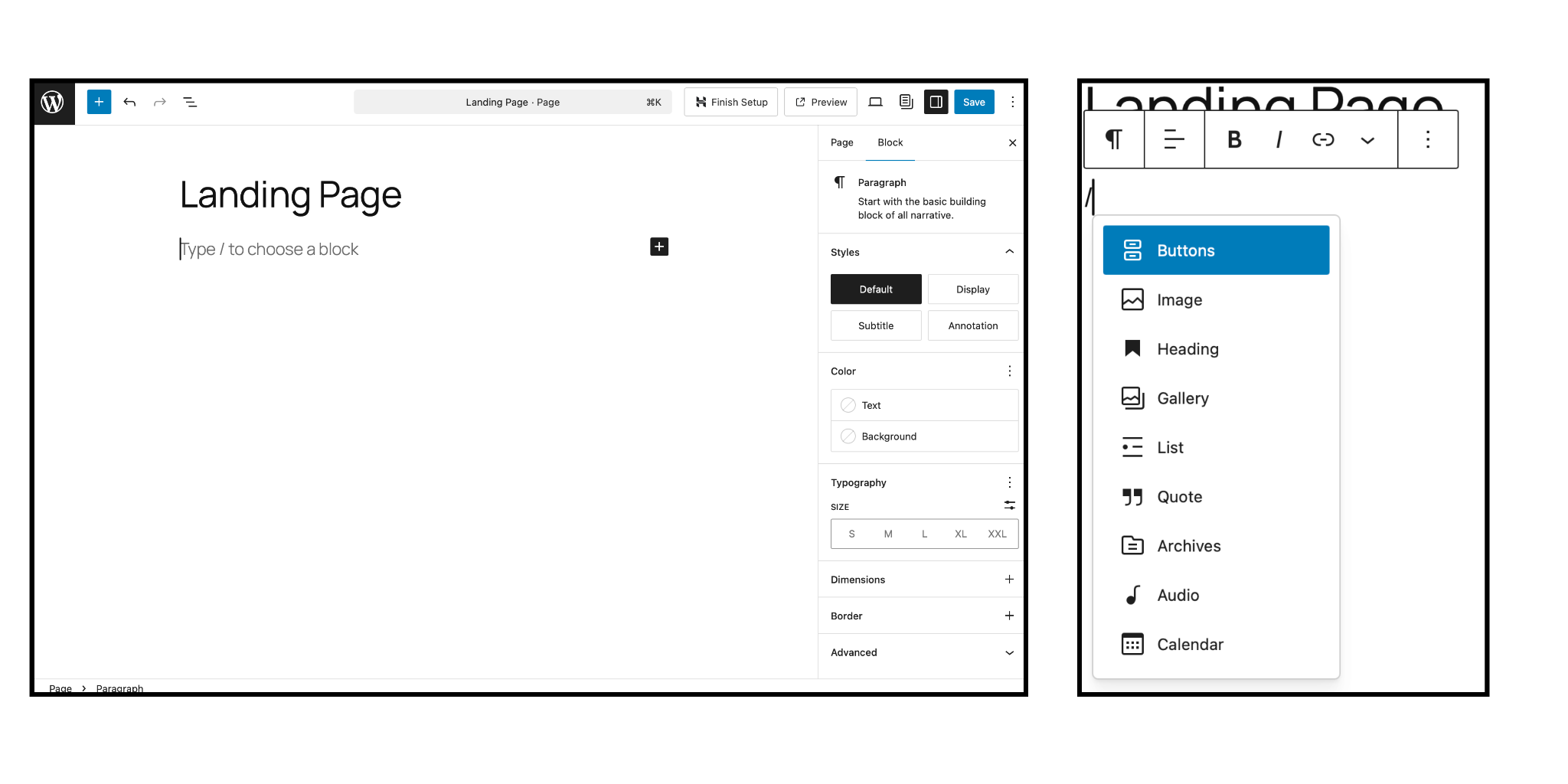
Adding text and elements in WordPress is surprisingly intuitive! You simply click the + button or type / to insert blocks. Thanks to how straightforward the interface is, I quickly added a title and a few navigation buttons that I’ll refine later. Here’s what the page looked like at that point:
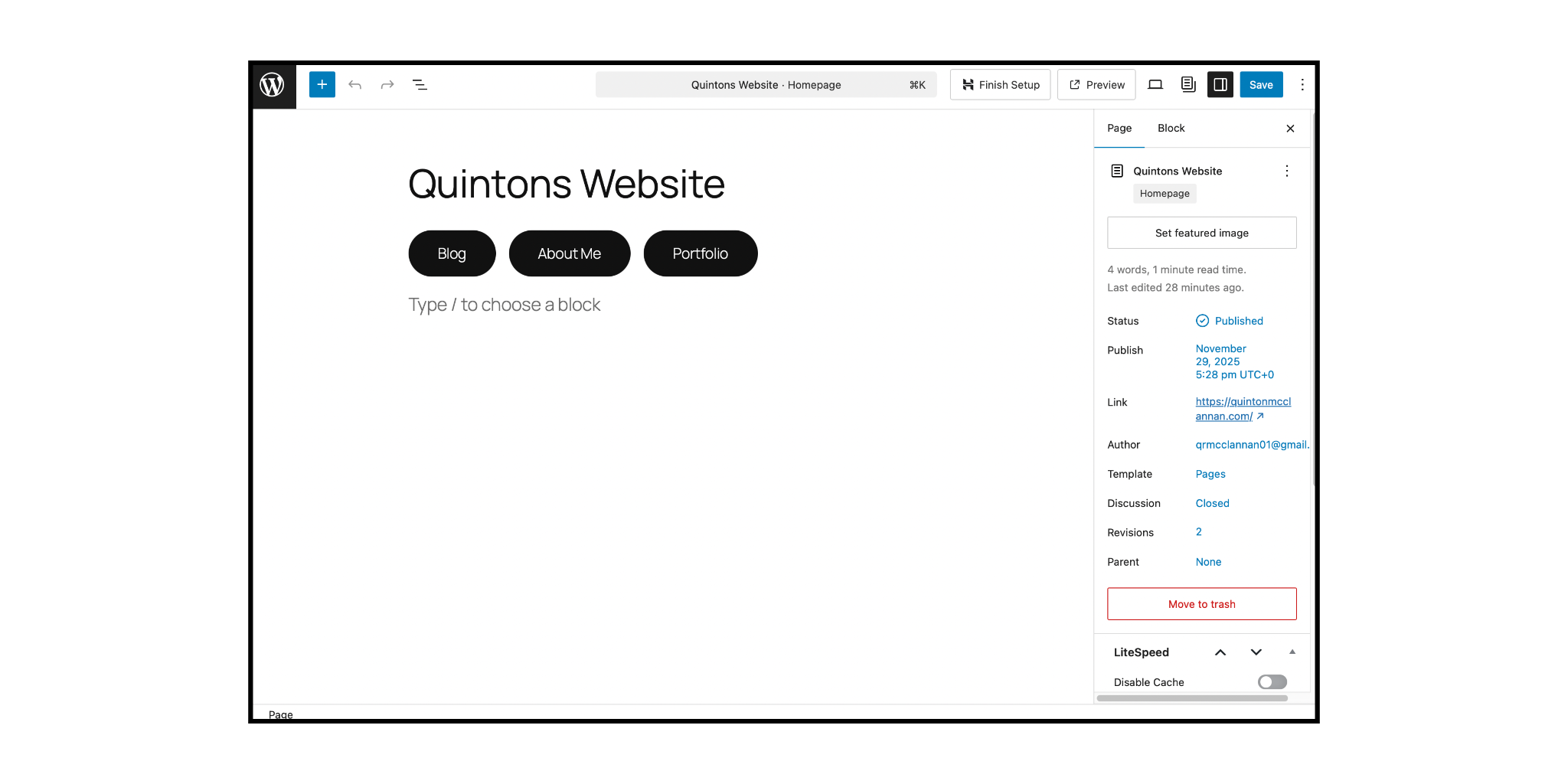
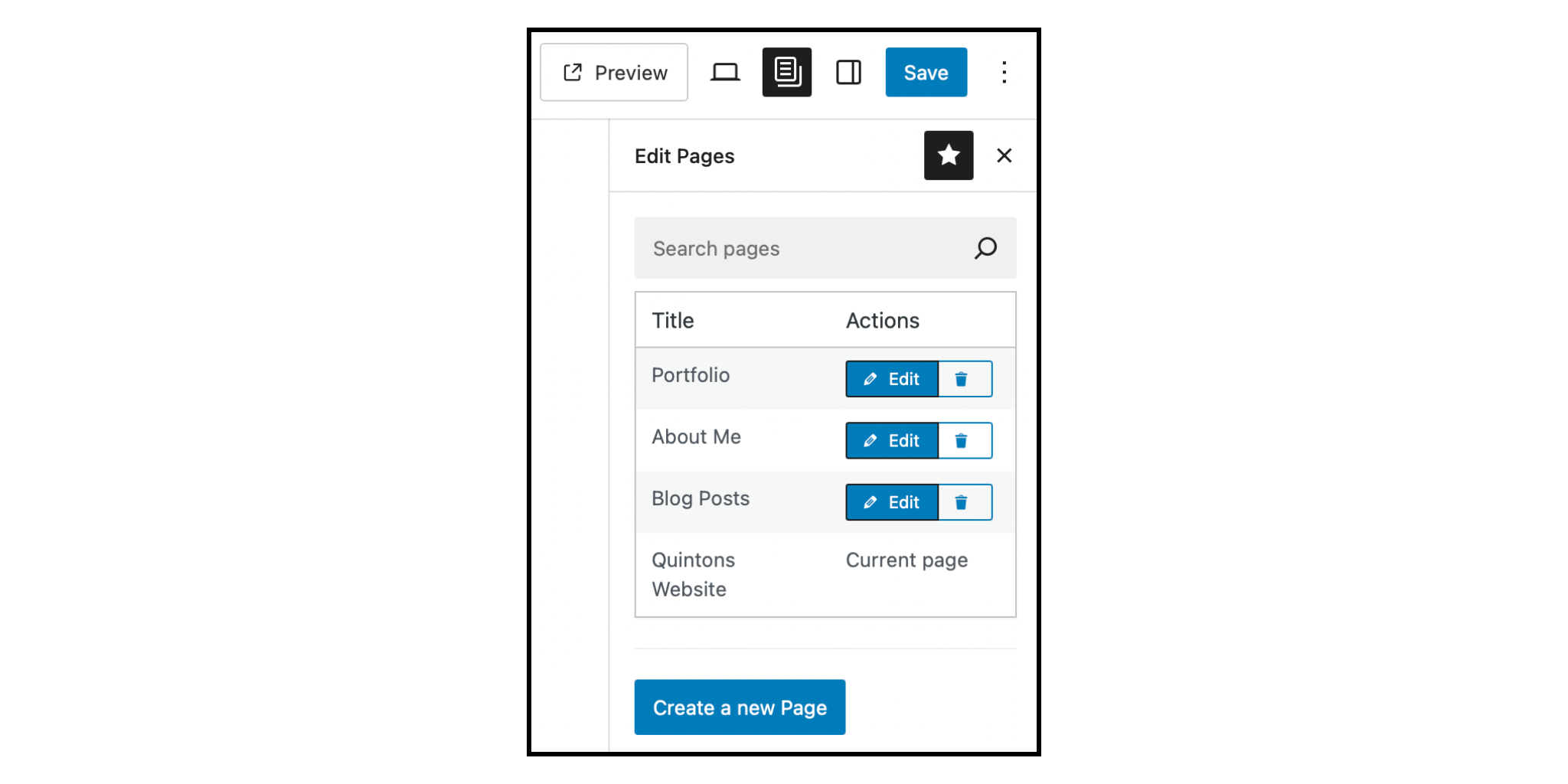
Now, it’s not a real website without a few pages, so I headed over to the pages tab, clicked Create New Page, named it, and just like that, I had three new sections: About Me, Blog Posts, and Portfolio. After that, I linked each page to the buttons I added earlier and I had a fully interactive website that lets visitors navigate seamlessly between pages.
I could go on about adding documents and posts later, but if you’re anything like me, I know your attention span has its limits, so let’s skip ahead to the good part: the comparison!
WebFlow vs WordPress: The Final Showdown
Webflow is another powerful CMS platform, offering a very high level of creative freedom when it comes to design and features. It lets you build your site using their tools, while still giving you the option to incorporate your own HTML for even more customization. If you’re interested in learning the basics of HTML, feel free to check out my blog post: HTML For Humans.
At this point, I’ve gotten a good feel for the fundamentals of WordPress, how its editor works, and what it’s like to build a site from scratch. With that foundation in place, let’s get started.
Basic Design
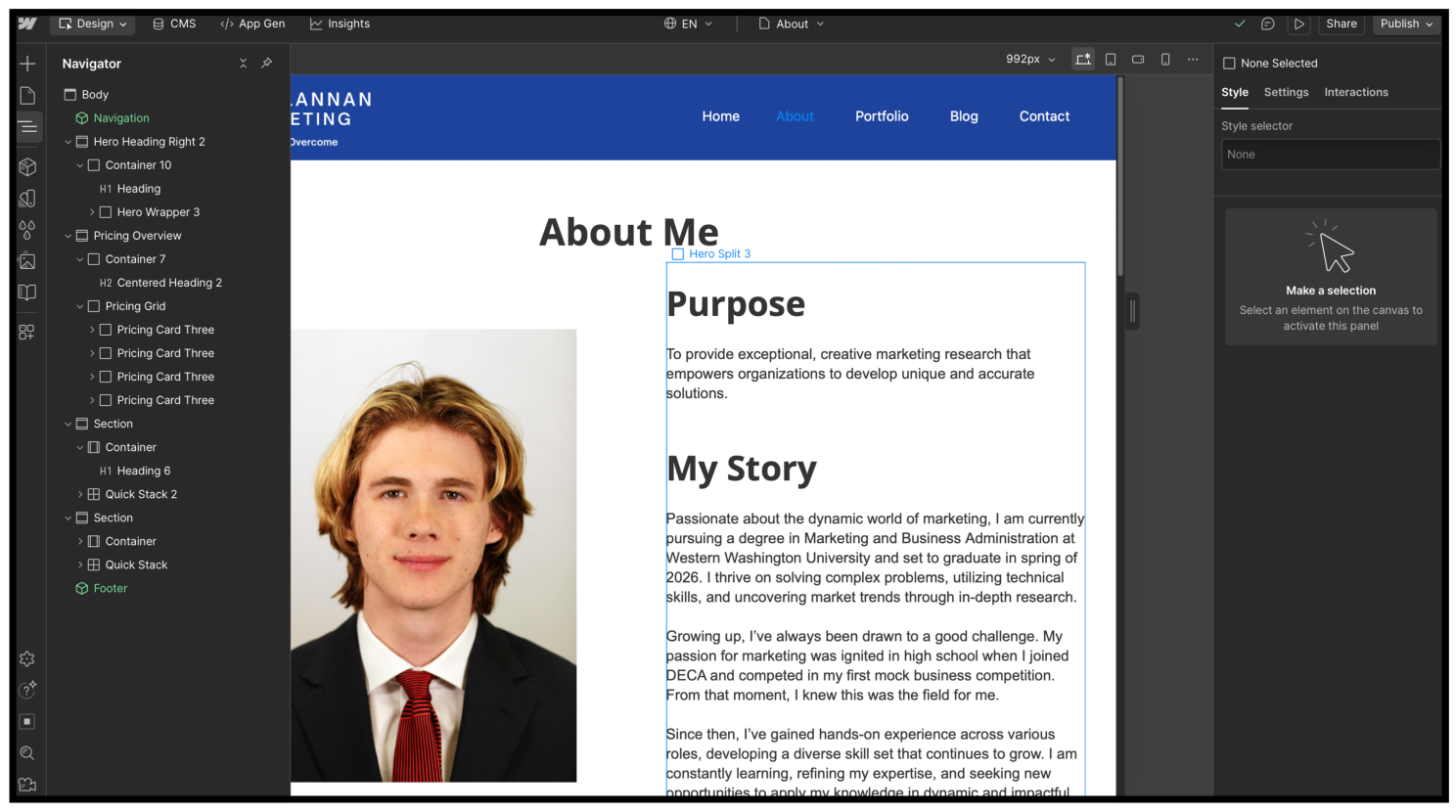
As mentioned earlier, adding text in WordPress is simple, you can begin typing directly into the pre-inserted blocks. Webflow, on the other hand, requires a more structured approach. To add centered text, you need to insert a Section, then a Container, and finally a Text Block (see image below for reference). While it’s a few extra steps, this structure gives you more control over layout and design.
Features
While both WordPress and Webflow offer far more customization than platforms like Squarespace or Wix , Webflow comes out on top for its extensive built-in features. It also provides an in-depth learning platform Webflow University, where you can explore in-depth tutorials and even earn certifications.
WordPress, however, shines in a different way. Although it does not offer the same level of built in features or a dedicated training program, its value lies in the massive amounts of third-party plugins. With thousands of tools that are easy to install, WordPress gives users many options to improve their site’s functionality.
Price
While both platforms offer similar functionality, their pricing differs significantly. WordPress starts at $9 per month (or $108 per year). Webflow, however, begins at $18 per month ($216 per year). However, if you want access to Webflow’s CMS for managing blog posts or portfolio items, you’ll need to upgrade to the $29 per month plan, which totals $348 per year. In other words, if you need an easy way to manage dynamic content, like blog posts or portfolios, Webflow ends up costing roughly $240 more per year than WordPress.
The Winner Is…
After spending time building with both platforms, it’s clear which each of their strengths are. Webflow offers excellent creative freedom and a smoother design experience, something I greatly value and believe surpasses WordPress in terms of pure web design.
However, with my year-long Webflow student trial coming to an end, the price difference becomes impossible to ignore. For a personal site, I simply can’t justify the higher annual cost. And with that, the winner of the CMS showdown is… WordPress!
Affordable, flexible, and supported by thousands of plugins, WordPress ultimately delivers the best value, making it my new go-to platform moving forward.
If you found this helpful and want to learn more about digital marketing strategies, visit my site for more blog posts!
Leave a Reply