Creating The McClannan Counseling Website.
Web Dev • SEO • GEO • Vibe Coding
A brief overview
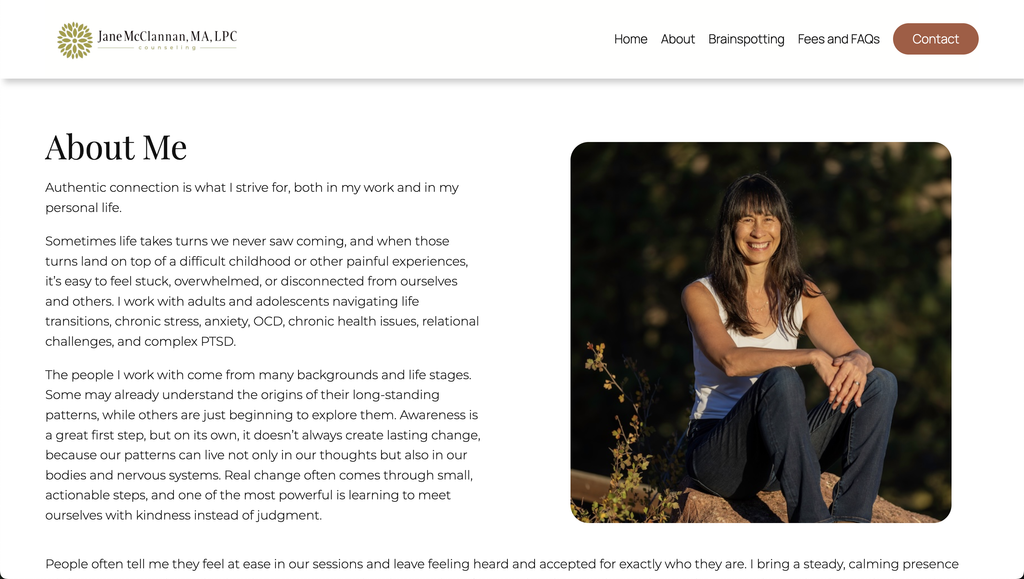
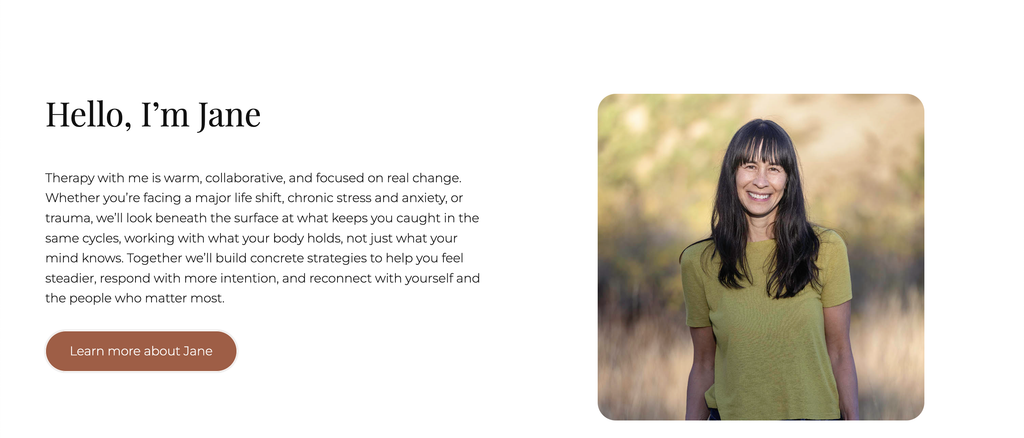
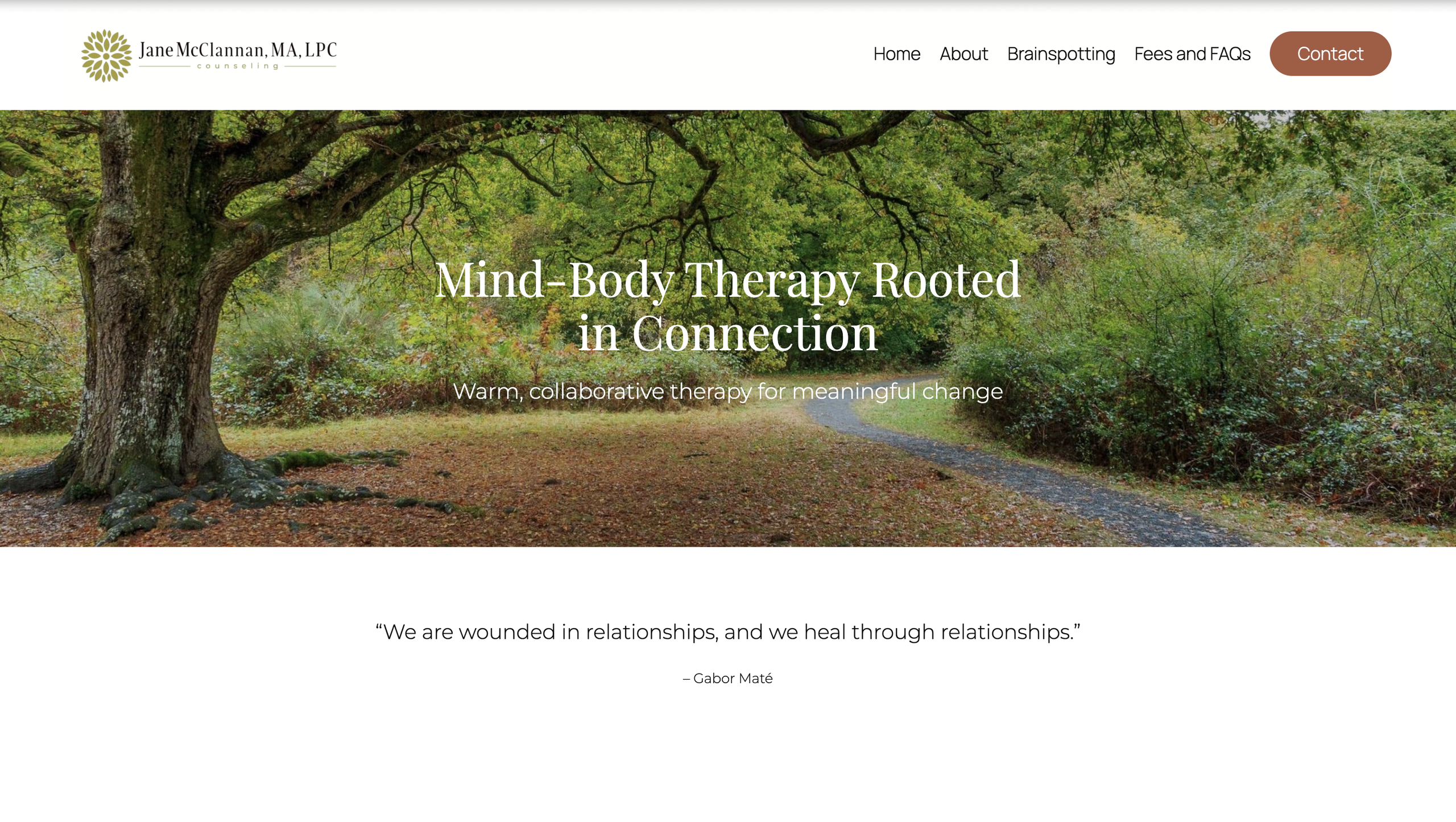
McClannan Counseling (and for those wondering, yes, it is my mom, the last name is not a coincidence) was a project for a local therapist launching her private practice specializing in Brainspotting and trauma therapy.
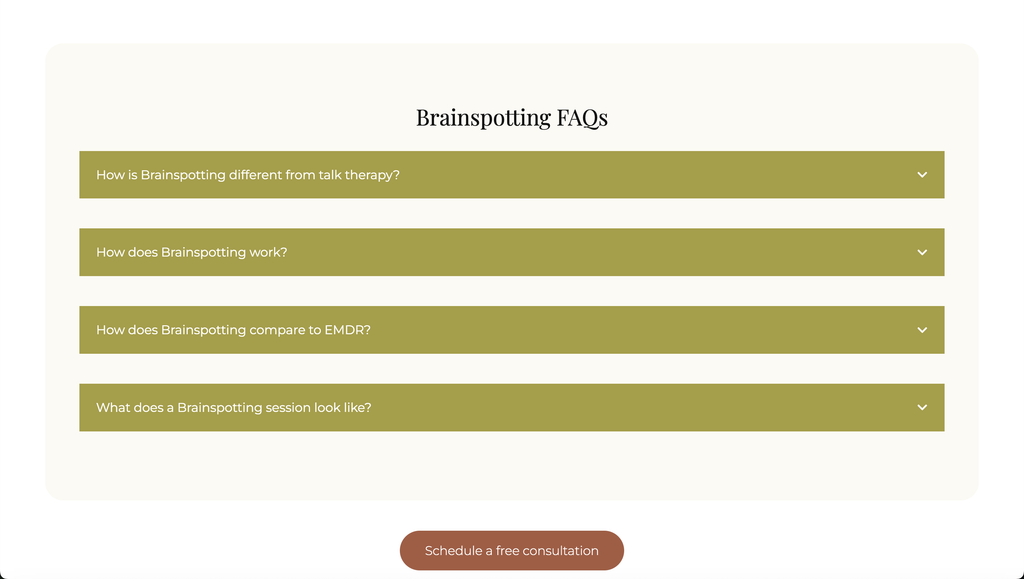
The goal was to create a simple and approachable website that not only provided informative content but also reflected her personality. Because some of the topics, like Brainspotting, tend to be quite unfamiliar to many people, it was important to make the information accessible while creating a welcoming and trustworthy first impression.
As a growing web developer, one thing I’ve come to understand is just how important a website can be. It’s often the first impression a business makes online, and it can play a significant role in whether someone becomes a client or move on. With this in mind, I wanted to create a site that balanced functionality and clarity with a personal touch. Cumulating in something that felt professional and informative without losing the human element at the heart of her practice.
Designing the brand.
When I began this project, the client had already developed a logo as well as a color palette that they wanted to follow. Thanks to this, I was able to jump right into wireframing after we discussed the goals for the site.

Logo and Typography
The client went with a stylized flower along with a Playfair Display heading style and Montserrat for the body text.

Color Palette
Staying with the minimalist theme, the client chose a color palette of earthy and neutral colors.
Wireframe.
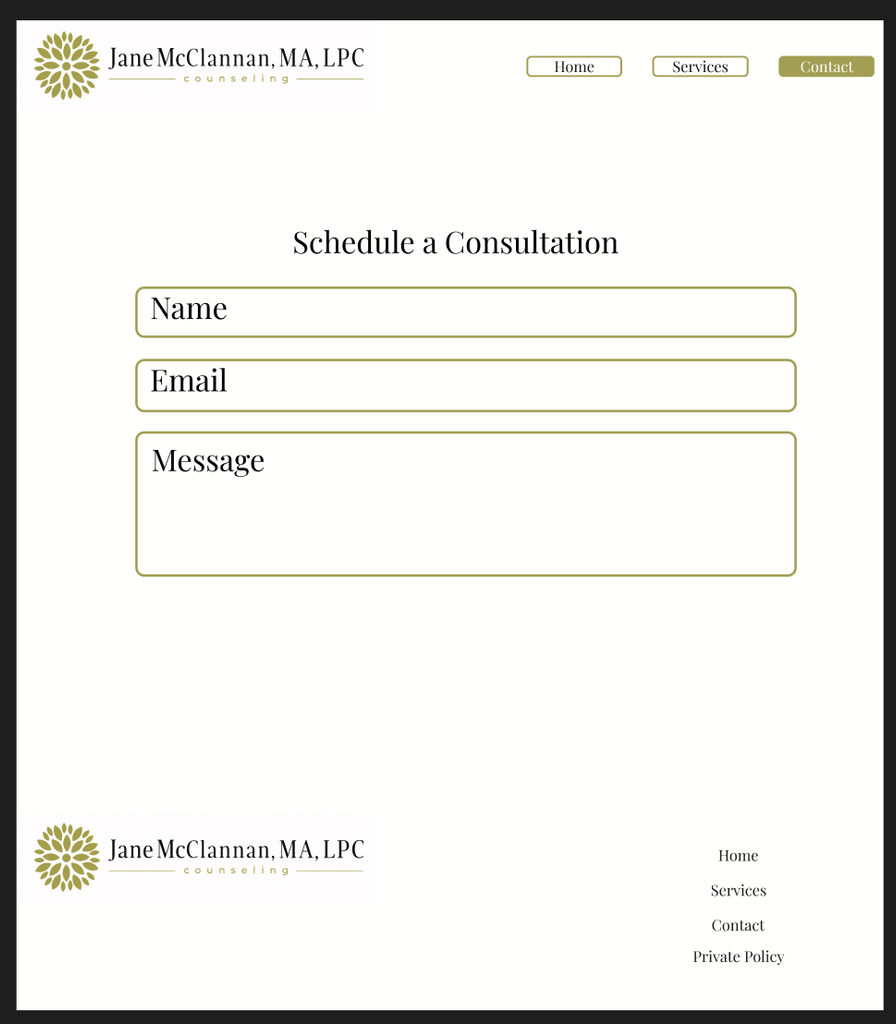
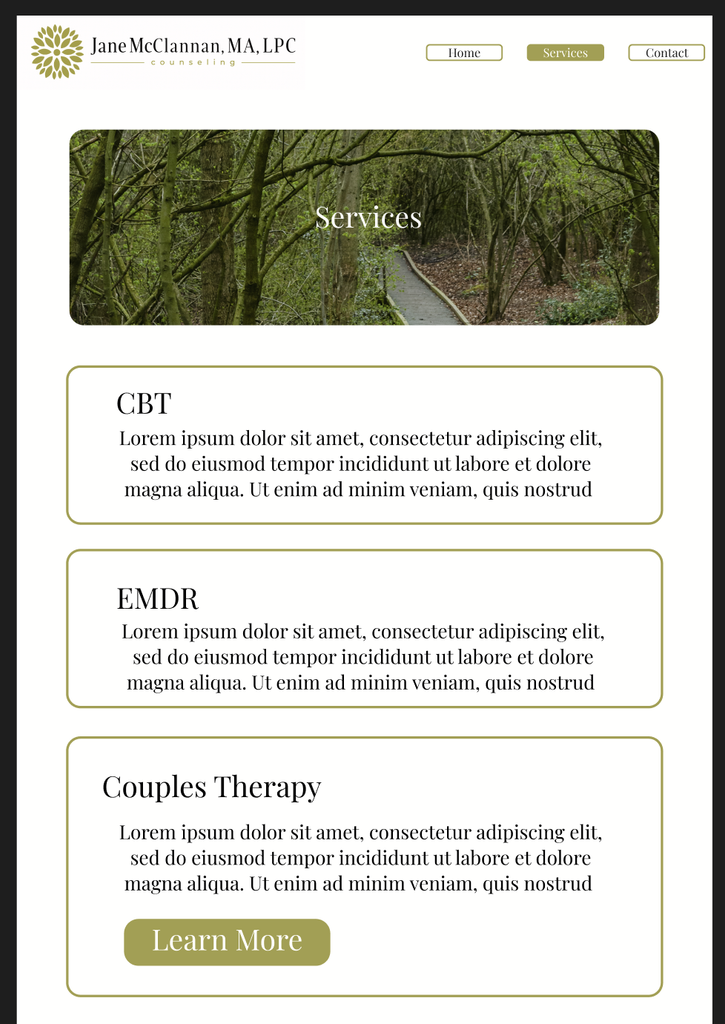
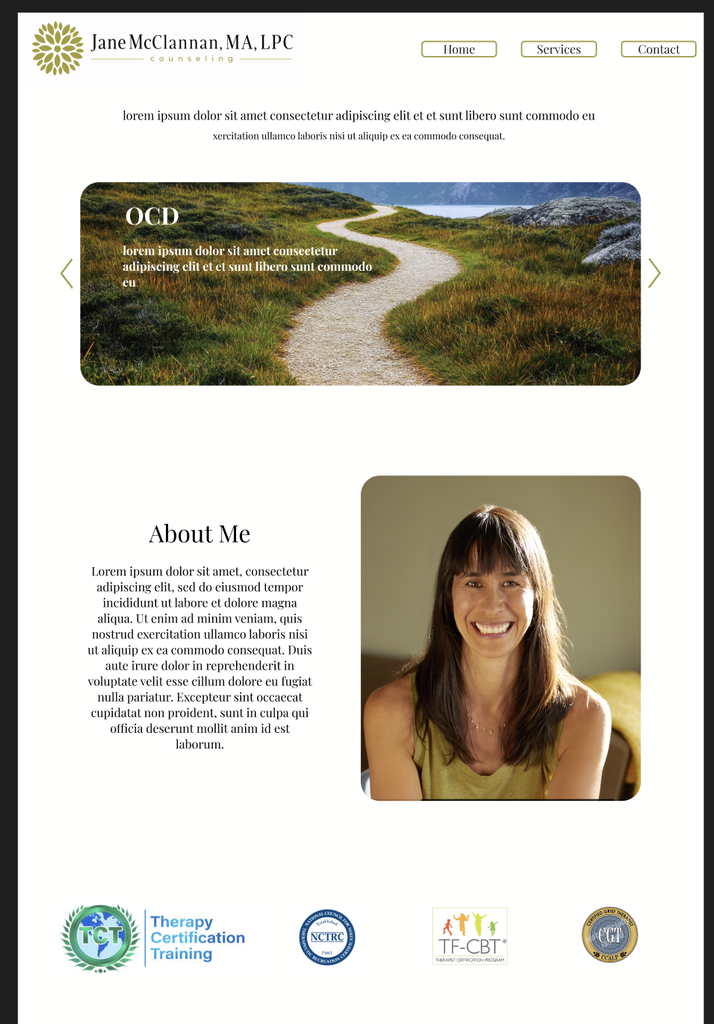
Whenever I build a website or create an animated video, I start with a wireframe or storyboard to plan things out. When creating McClannan Counseling, I used Figma, but it can feel a little daunting when you’re just starting out. If you’re reading this because you’re planning your first website and want a simpler tool, I’d recommend Wireframe.cc.
While it doesn’t offer the same level of detail and customization as Figma, it’s more than enough for most projects. In fact, it’s the tool I used for my earlier websites before moving on to Figma.
Below are some screenshots of the initial wireframe process where I experimented with images, colors, and general layout before moving on to my website builder of choice, WordPress. It is important to note that the wireframe does not always reflect exactly how the website will be built and in many cases ends up far different as you fulfill changes and edits requested by the client.
Beginning the site.
After choosing a hosting plan, securing a domain name, and launching the site editor, I begin building the website. During these early stages, I started by creating all the pages and templates for the site and, much like the wireframing process, filling them with Lorem Ipsum placeholder text.
I find this step to be crucial because significant changes often need to be made during the initial stages of development. Formatting issues can occasionally cause content to become distorted or deleted, so using nonessential placeholder text can help save time and prevent the loss of important content. It also provides a useful estimate of how much text each section should contain, helping establish the overall structure and balance of the page.
Once the client was satisfied with the layout, we replaced the Lorem Ipsum placeholder text with the finalized content.
Pro tip: when building your site, optimize around a mobile layout and most people access websites from their phone.